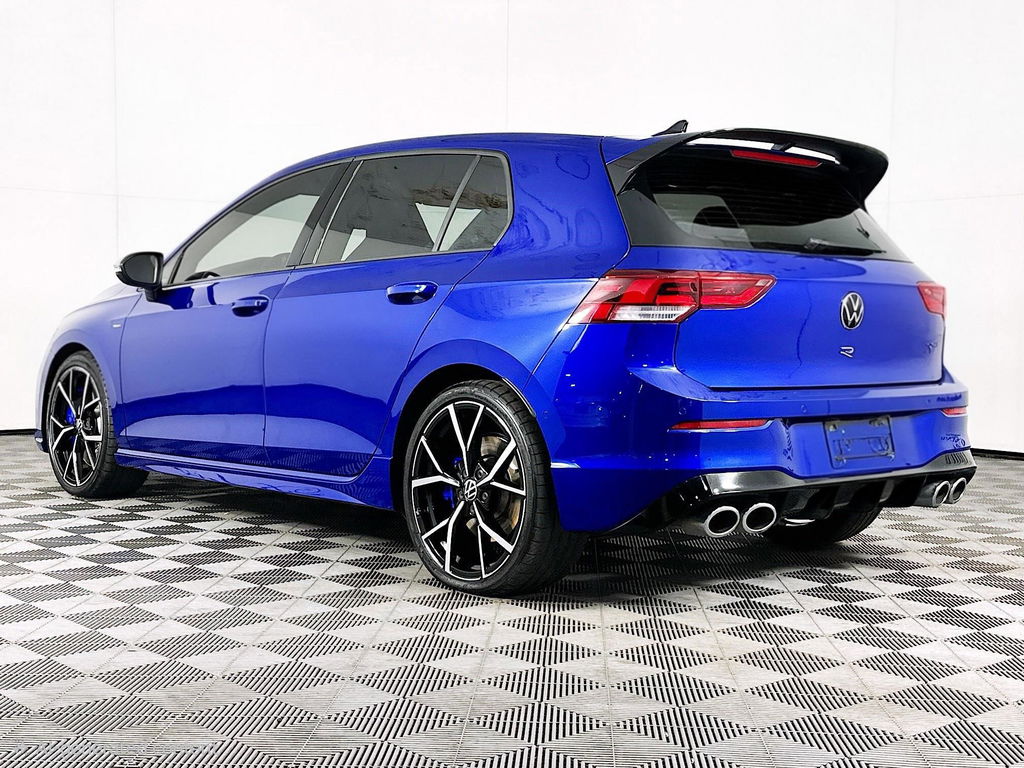


Activate VW Atlas (2024+) Dynamic Light Assist
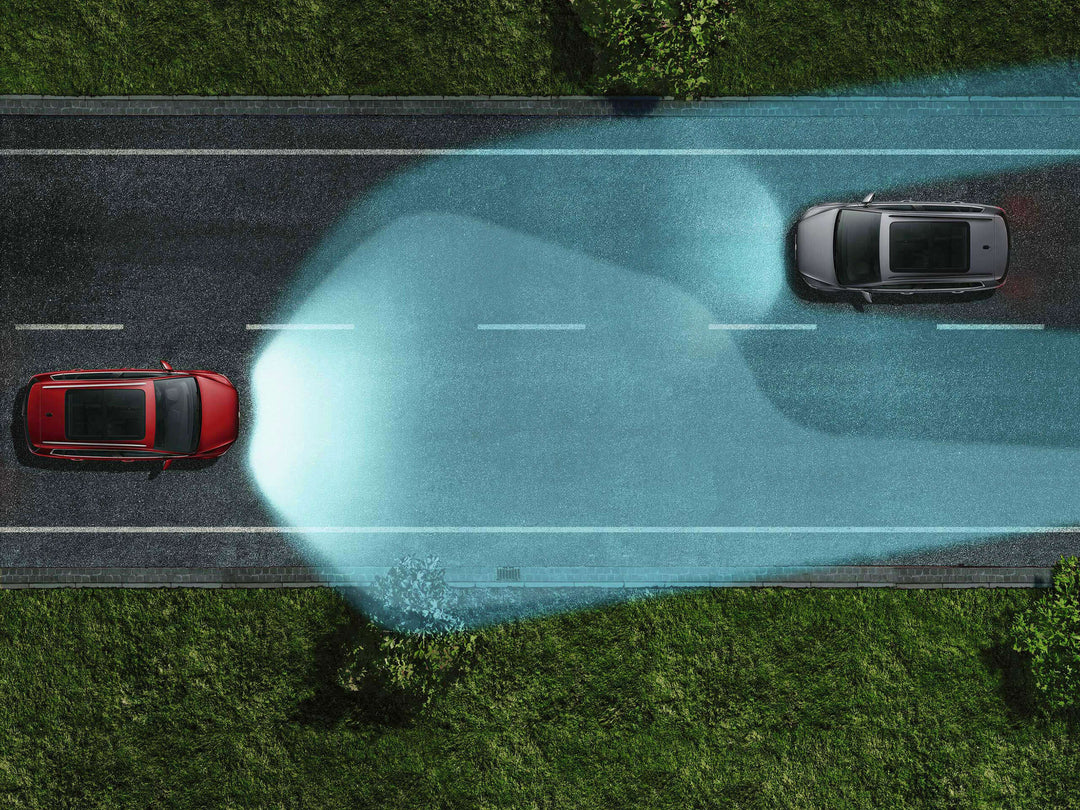
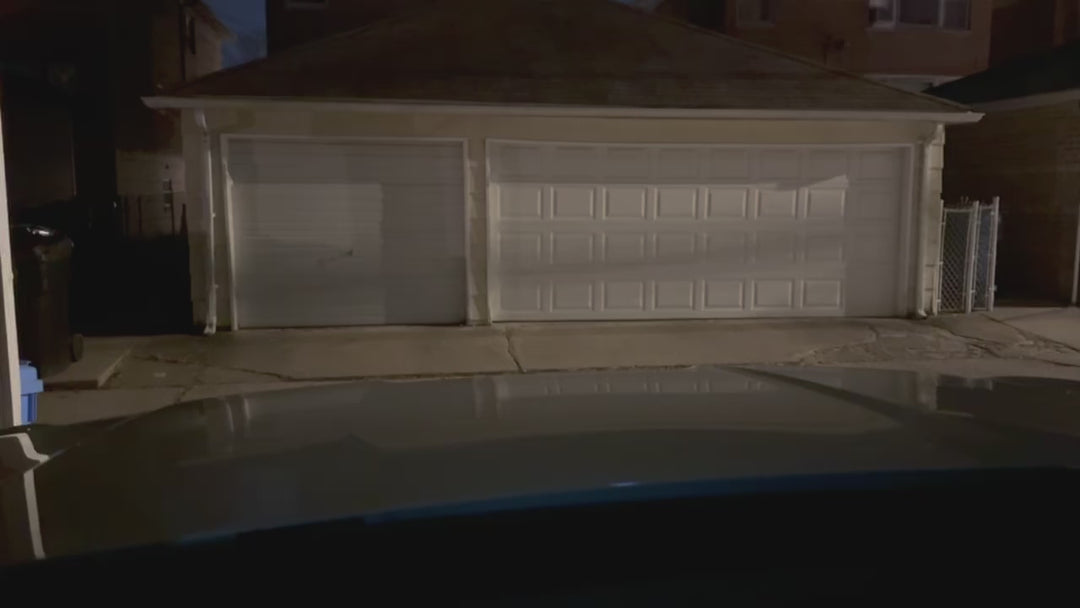
Remote activation of Dynamic Light Assist (DLA) – the full adaptive Matrix-style high beam – on the 2024+ VW Atlas and Atlas Cross Sport. Standard Light Assist just switches the high beams on and off. DLA uses the windscreen camera to track other vehicles and moves the projector lenses to mask a "shadow box" around them, so you keep high beams on without blinding anyone, with the rest of the road fully lit. It also steers light into corners and cuts glare from reflective signs. Done remotely in about 30 minutes; reversible on request.
Which cars qualify
- 2024 Atlas SEL, Peak Edition SEL and SEL Premium R-Line; 2024 Atlas Cross Sport SEL, SEL R-Line and SEL Premium R-Line
- 2025–2026 Atlas SE, SE w/ Tech, Peak Edition, SEL and SEL Premium R-Line; 2025–2026 Atlas Cross Sport SE, SE w/ Tech, SEL, SEL R-Line Black and SEL Premium R-Line
The car must have the LED projector headlights with auto high beam (Light Assist). Enter your trim in the suite to confirm.
How the remote session works
- Order the activation and, if you don't already have one, the DoIP cable and USB-Ethernet adapter ($39.95, yours to keep).
- Book a session time. You receive a confirmation email with the preparation steps.
- At the session, plug the cable into the car's OBD port and your laptop, and run FlexiHub so our technician can connect.
- We do the programming remotely – usually about 30 minutes; a slow internet connection can make it longer.
What you need
- A laptop (or Android phone with USB-C) next to the car: Windows 7/8/10/11, an Apple-silicon Mac on macOS 10.15+, Linux (Ubuntu 20.04+) or Android 5.0+.
- A stable internet connection and the free FlexiHub app.
- An ENET DoIP cable with USB-Ethernet adapter, a VAS5054 or a VAS6154. Ross-Tech/VAGCOM, Tactrix, J2534, Unitronic UniCONNECT+, APR Ultralink/Cheetah, 034Motorsport R4, COBB Accessport and VCP cables do not work.
- SFD unlock: 2022–2024 MK8 cars need the SFD security unlocked for the session – we do it remotely for a $20 surcharge, or you can use your own OBDeleven Pro/Ultimate plan.
Price and ordering
Atlas Dynamic Light Assist activation is $299.95. To order, configure your exact vehicle in the VW Feature Activation Suite – it shows only the features that fit your car and the exact price, and lets you add other activations to the same session.
This is an informational page. To purchase this product, please visit the VW Feature Activation Suite using the button below.